All Tools
Explore all the developer tools included in PrimeUtils. Each tool is designed to save you time and streamline your workflow.
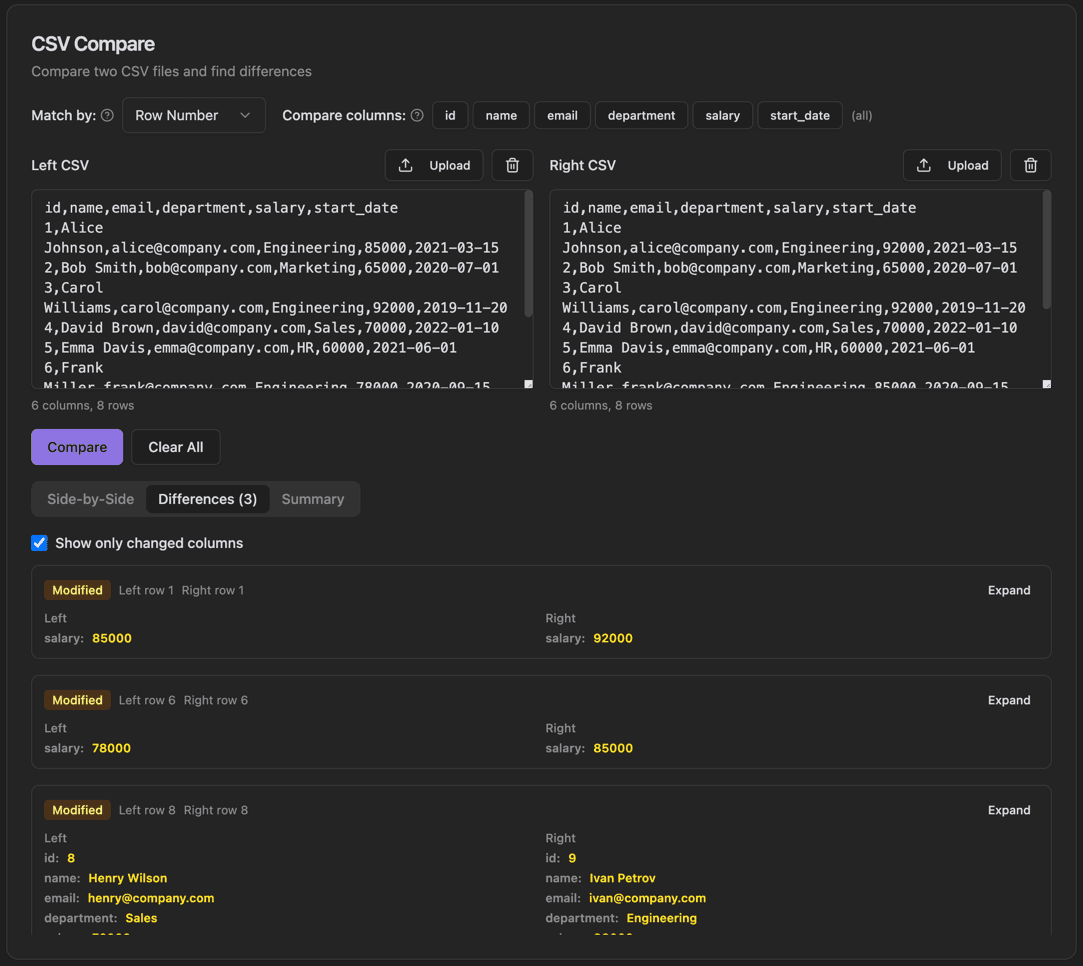
CSV Compare
Compare two CSV files and find differences with row matching and column selection.
- Match by row number or key column
- Select specific columns to compare
- Side-by-side and differences view tabs
- Summary tab with change statistics
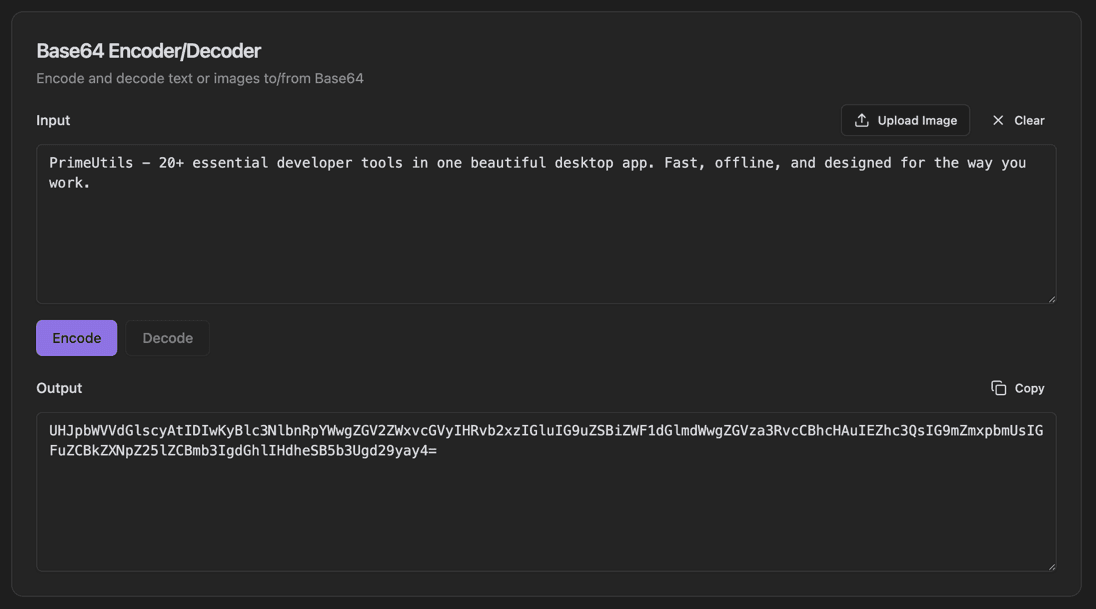
Base64 Encoder/Decoder
Encode and decode text or images to/from Base64.
- Encode text to Base64
- Decode Base64 to text
- Upload Image button for image encoding
- Encode/Decode toggle buttons
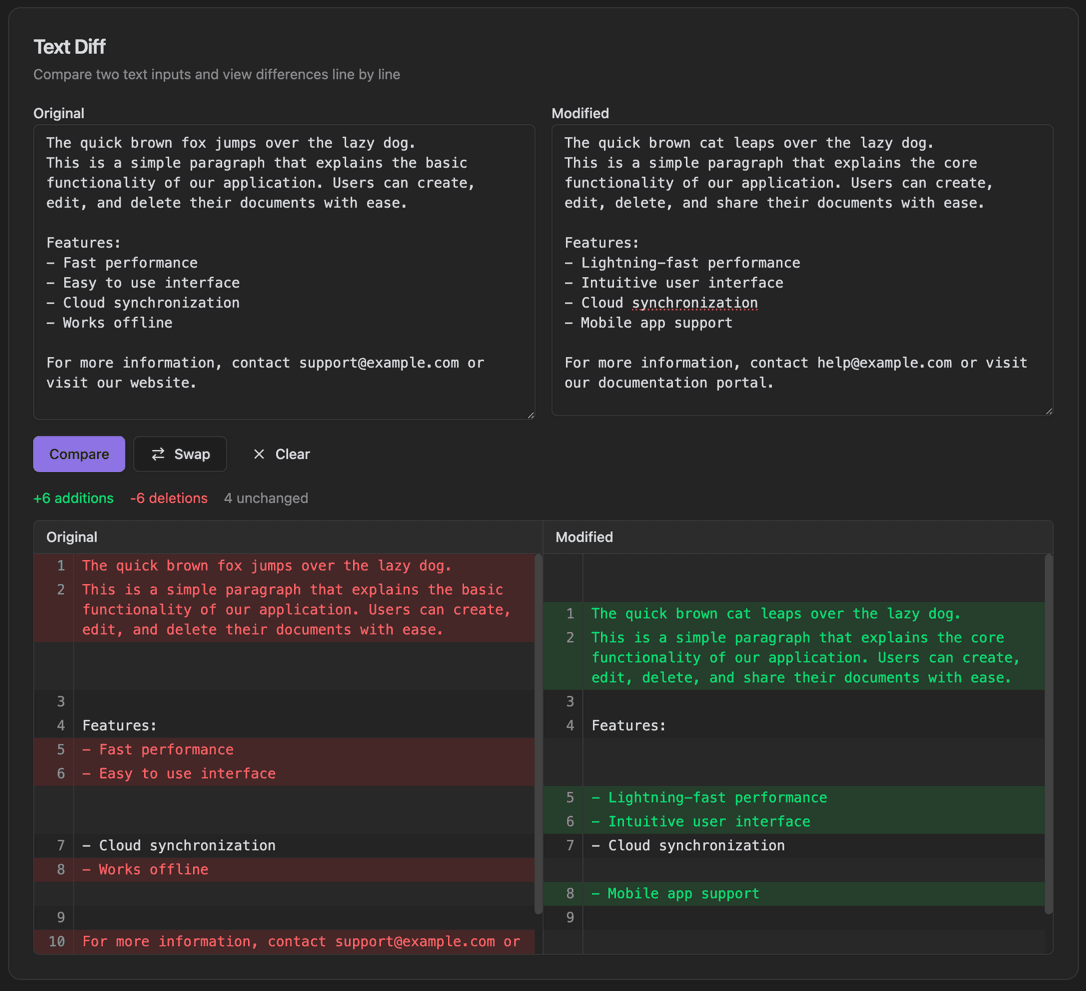
Text Diff
Compare two text inputs and view differences line by line.
- Original and Modified text panels
- Compare button to run diff
- Swap button to switch panels
- Clear button to reset
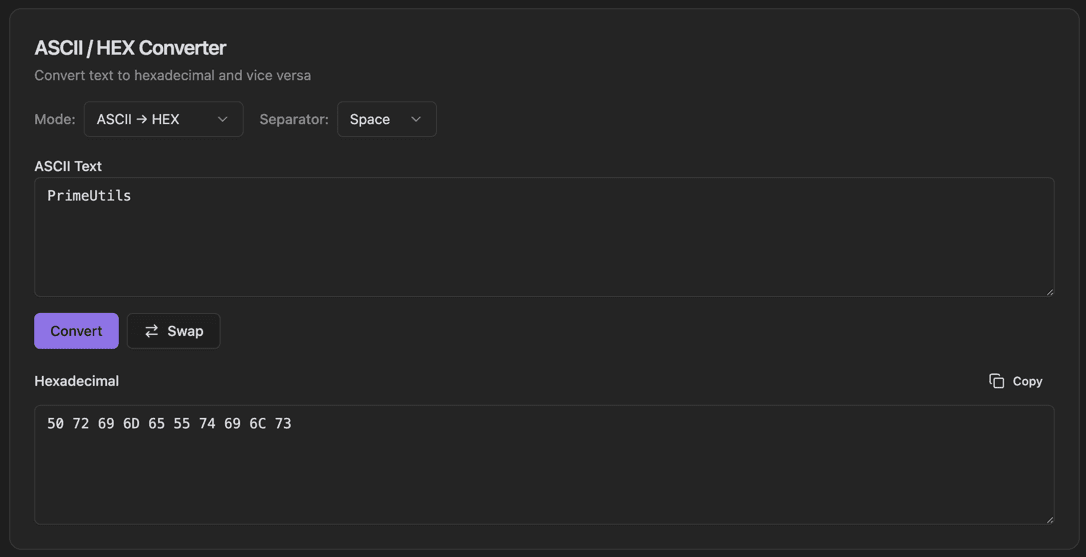
ASCII / HEX Converter
Convert text to hexadecimal and vice versa.
- Mode selector (ASCII → HEX or HEX → ASCII)
- Separator dropdown (Space, Colon, None)
- ASCII Text input field
- Convert button
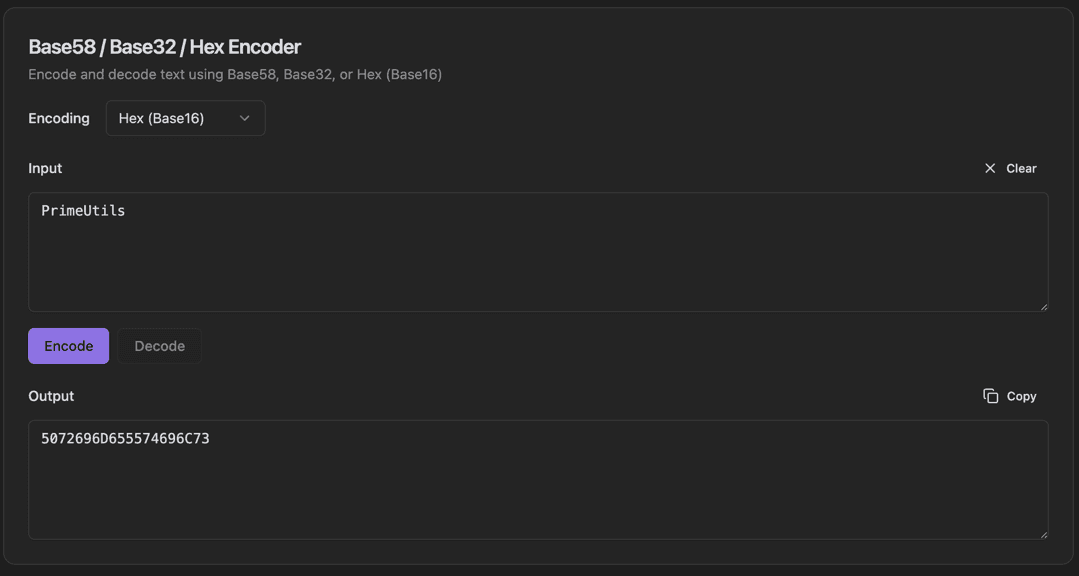
Base58 / Base32 / Hex Encoder
Encode and decode text using Base58, Base32, or Hex (Base16).
- Encoding format dropdown (Base58, Base32, Hex)
- Input field with Clear button
- Encode/Decode toggle buttons
- Output field with Copy button
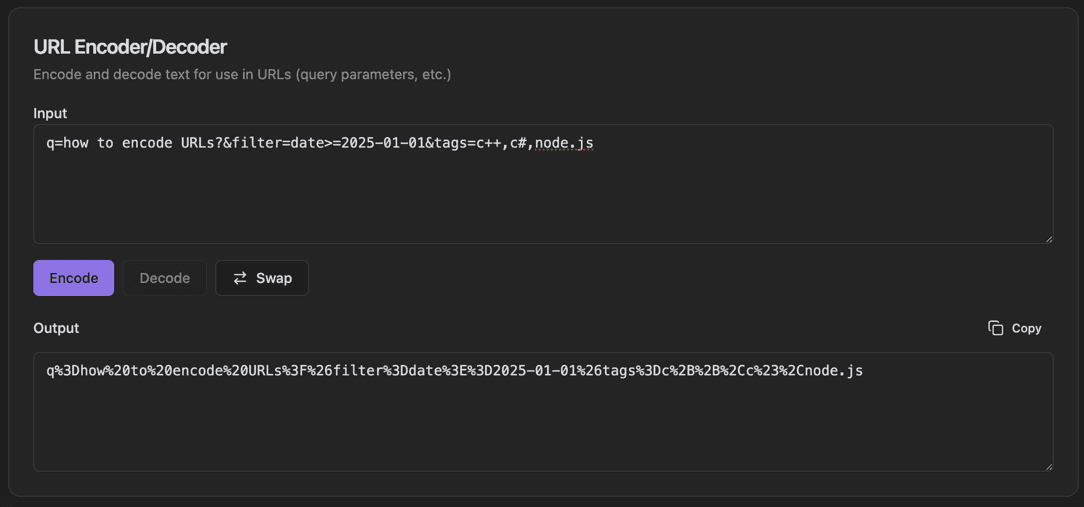
URL Encoder/Decoder
Encode and decode text for use in URLs (query parameters, etc.).
- Input text field
- Encode/Decode toggle buttons
- Swap button to reverse input/output
- Output field with Copy button
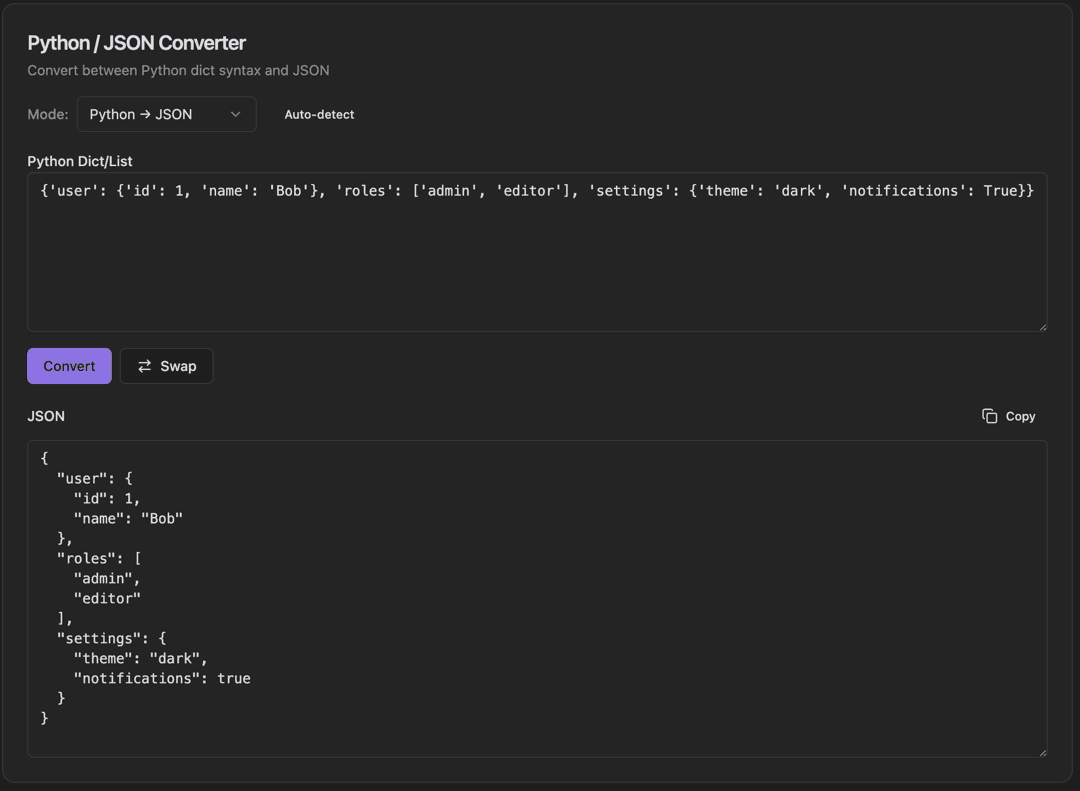
Python / JSON Converter
Convert between Python dict syntax and JSON.
- Mode dropdown (Python → JSON, JSON → Python)
- Auto-detect checkbox
- Python Dict/List input field
- Convert button
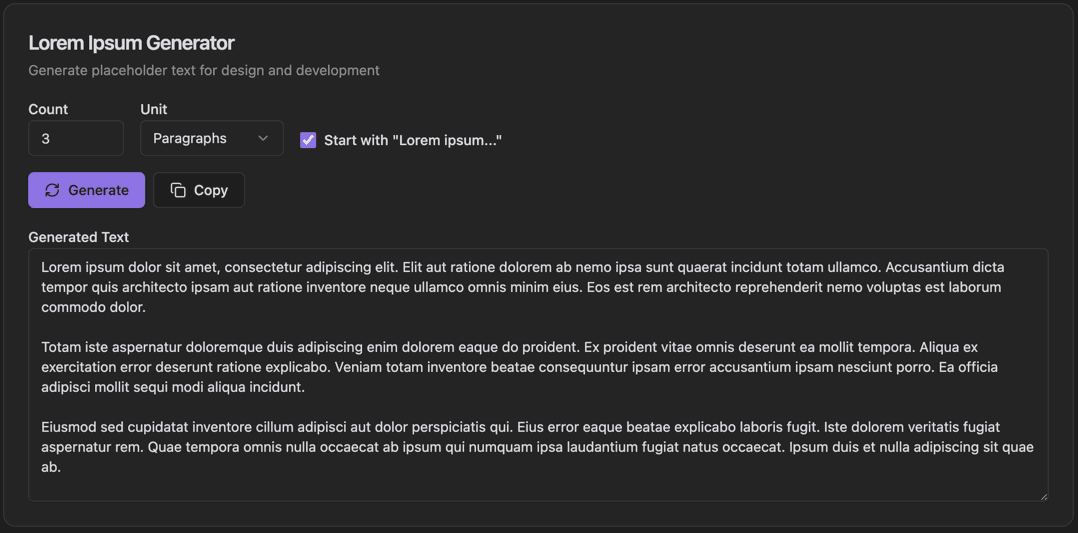
Lorem Ipsum Generator
Generate placeholder text for design and development.
- Count input field
- Unit dropdown (Paragraphs, Sentences, Words)
- Start with 'Lorem ipsum...' checkbox
- Generate button
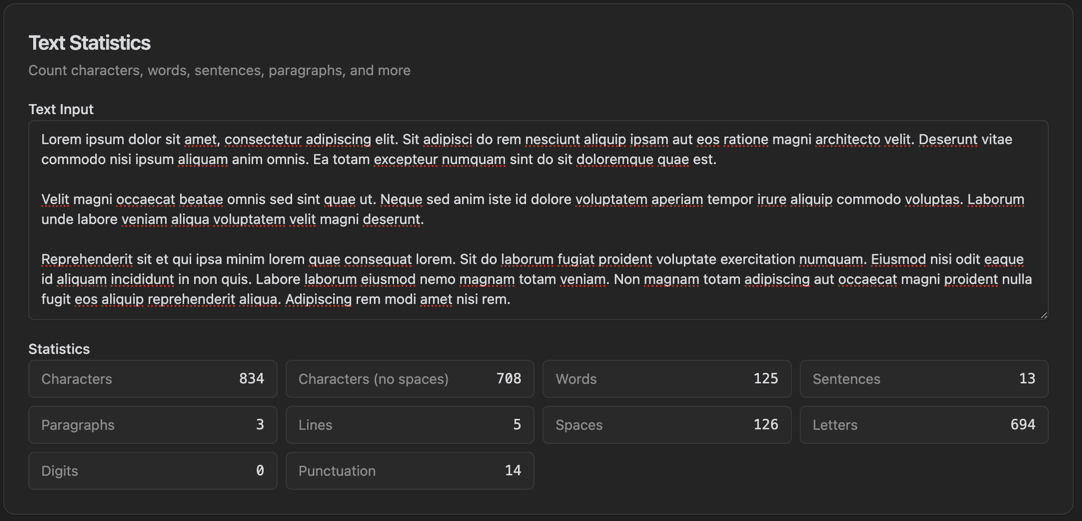
Text Statistics
Count characters, words, sentences, paragraphs, and more.
- Text Input area
- Characters count
- Characters (no spaces) count
- Words count
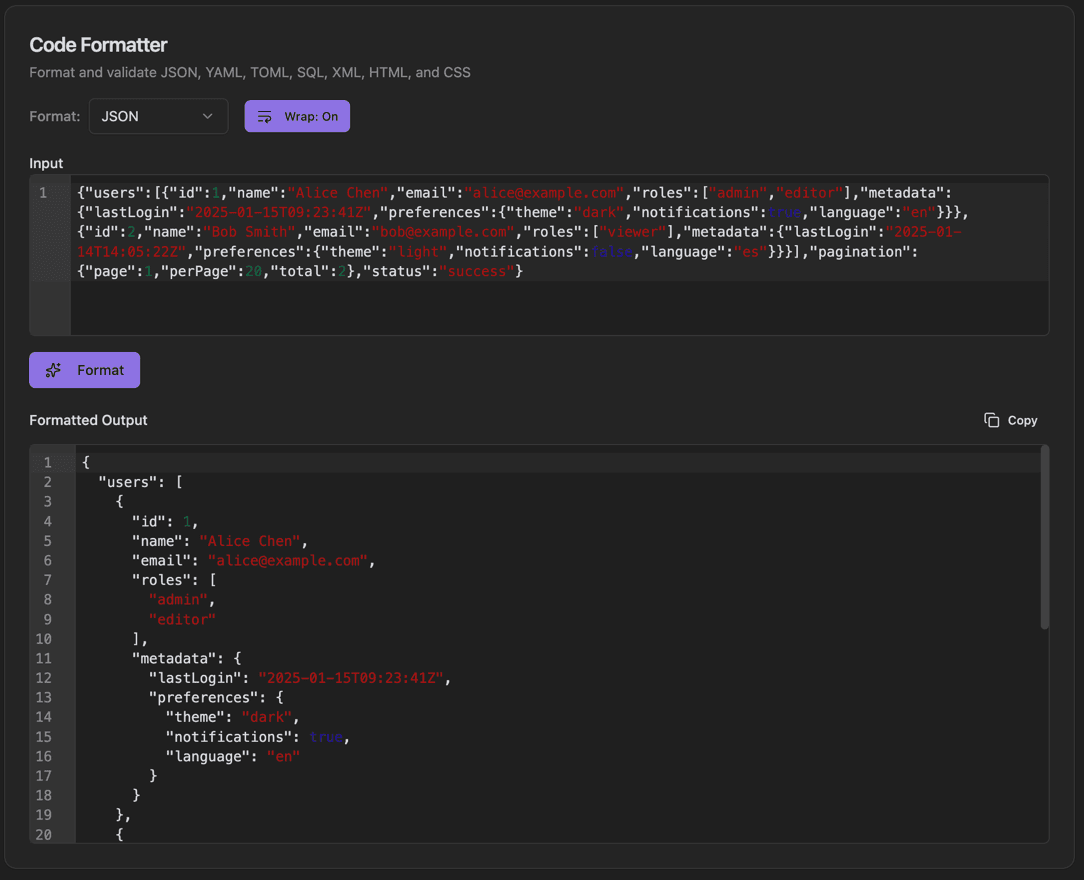
Code Formatter
Format and validate JSON, YAML, TOML, SQL, XML, HTML, and CSS.
- Format dropdown (JSON, YAML, TOML, SQL, XML, HTML, CSS)
- Wrap toggle button
- Input with line numbers
- Syntax highlighting
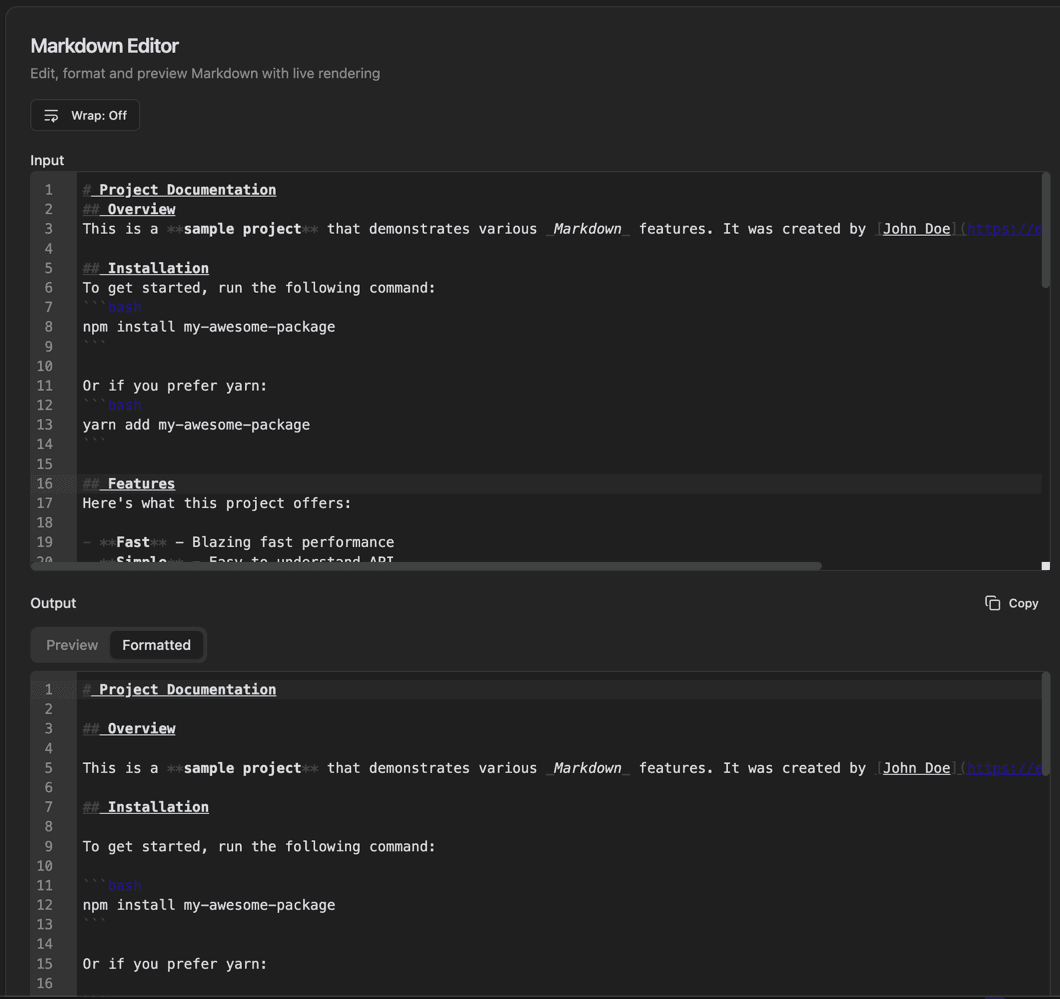
Markdown Editor
Edit, format and preview Markdown with live rendering.
- Input pane with line numbers
- Wrap toggle button
- Live preview rendering
- Output with Preview/Formatted tabs
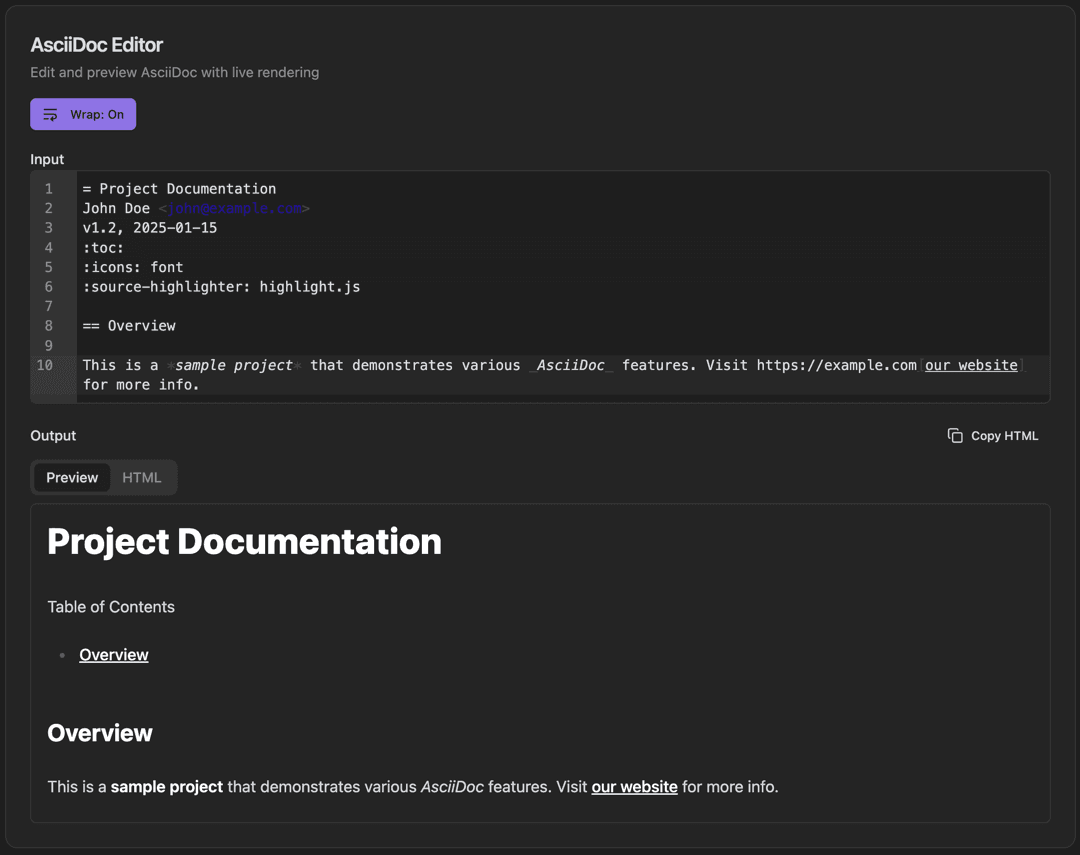
AsciiDoc Editor
Edit and preview AsciiDoc with live rendering.
- Input pane with line numbers
- Wrap toggle button
- Live preview rendering
- Output with Preview/HTML tabs
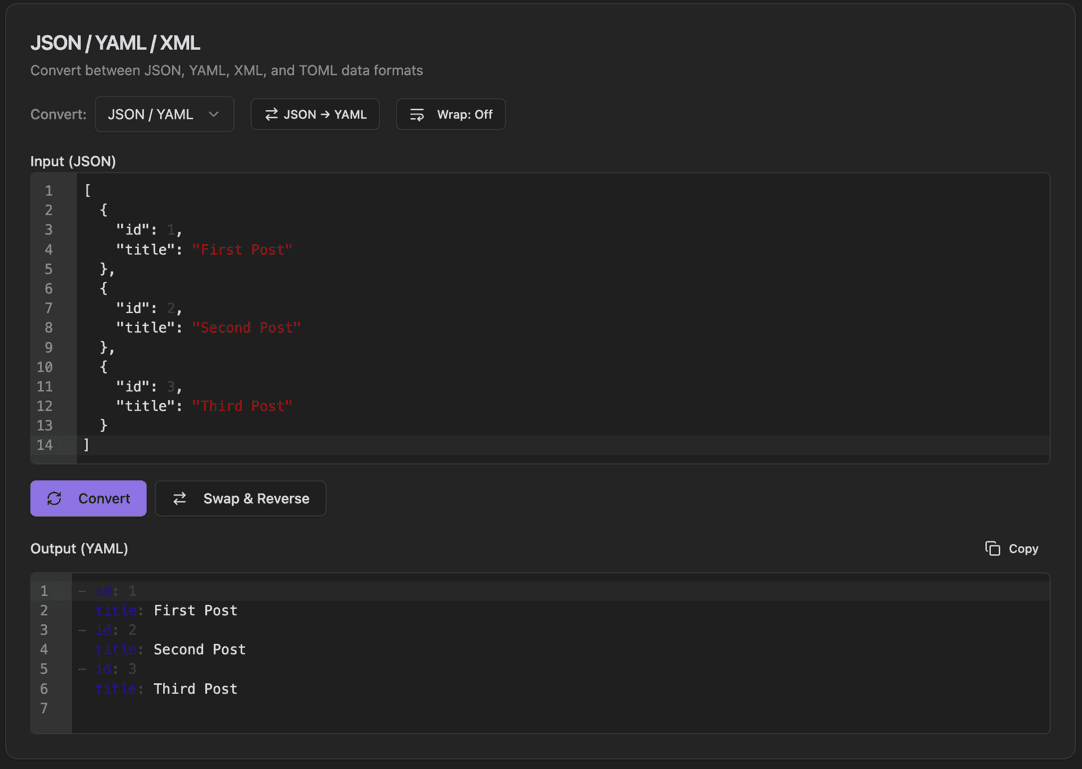
JSON / YAML / XML
Convert between JSON, YAML, XML, and TOML data formats.
- Convert dropdown (JSON/YAML, JSON/XML, etc.)
- Direction toggle button (e.g., JSON → YAML)
- Wrap toggle button
- Input with line numbers
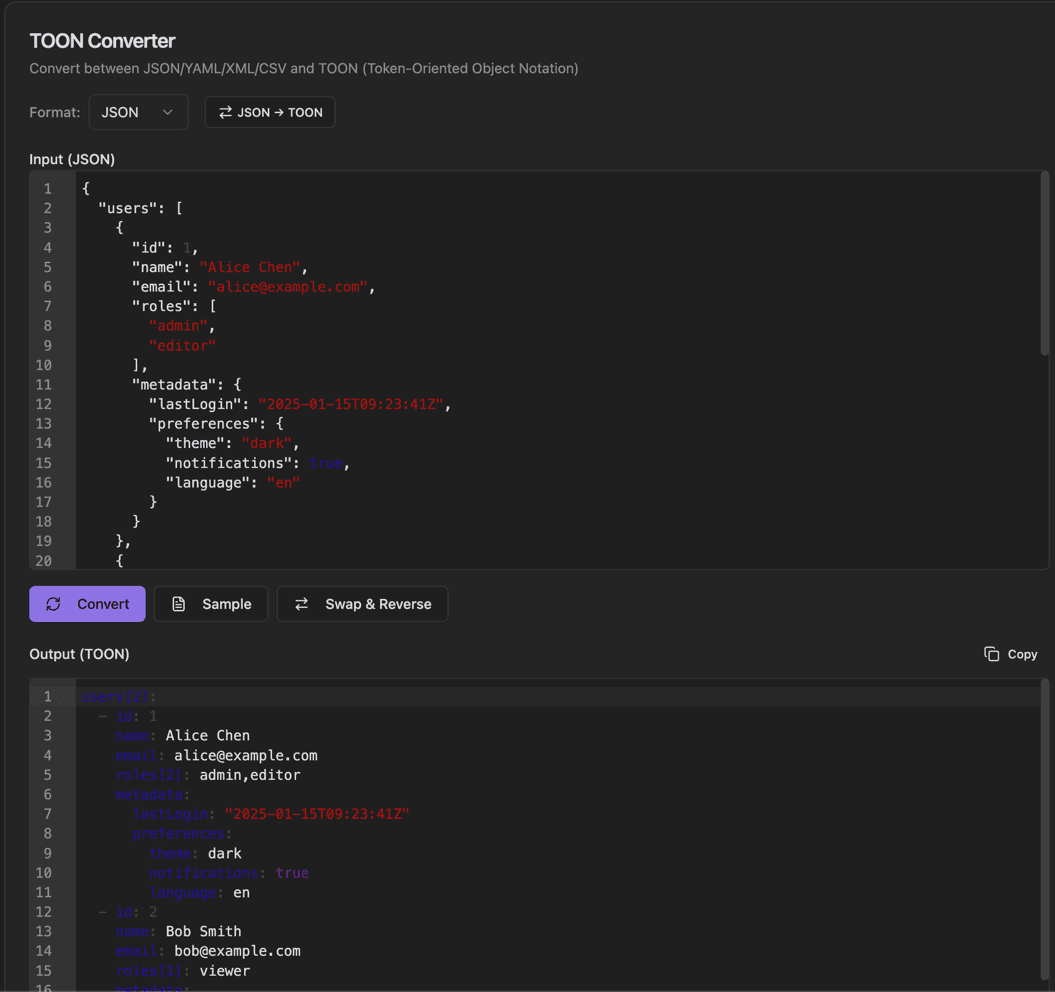
TOON Converter
Convert between JSON/YAML/XML/CSV and TOON (Token-Oriented Object Notation).
- Format dropdown (JSON, YAML, XML, CSV)
- Direction toggle button (e.g., JSON → TOON)
- Input with syntax highlighting
- Convert button
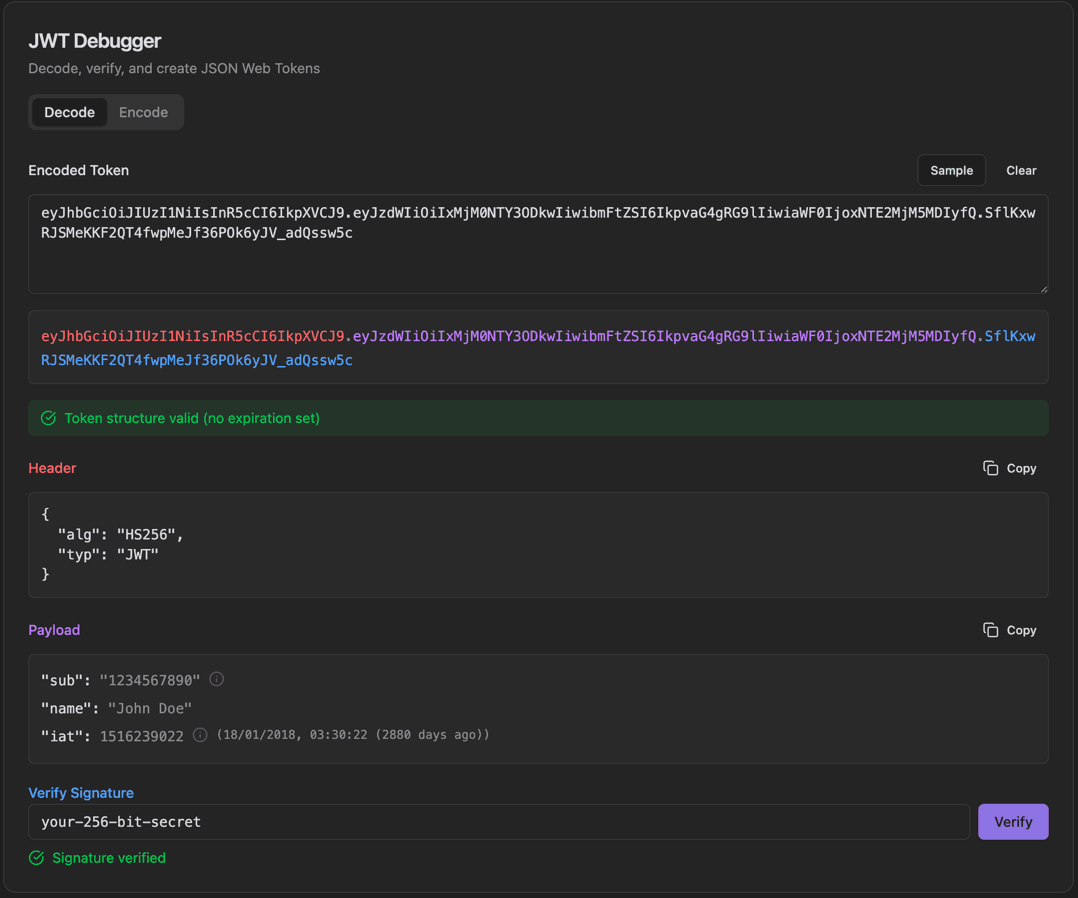
JWT Debugger
Decode, verify, and create JSON Web Tokens.
- Decode/Encode tabs
- Encoded Token input with Sample/Clear buttons
- Color-coded token display (header.payload.signature)
- Token structure validation status
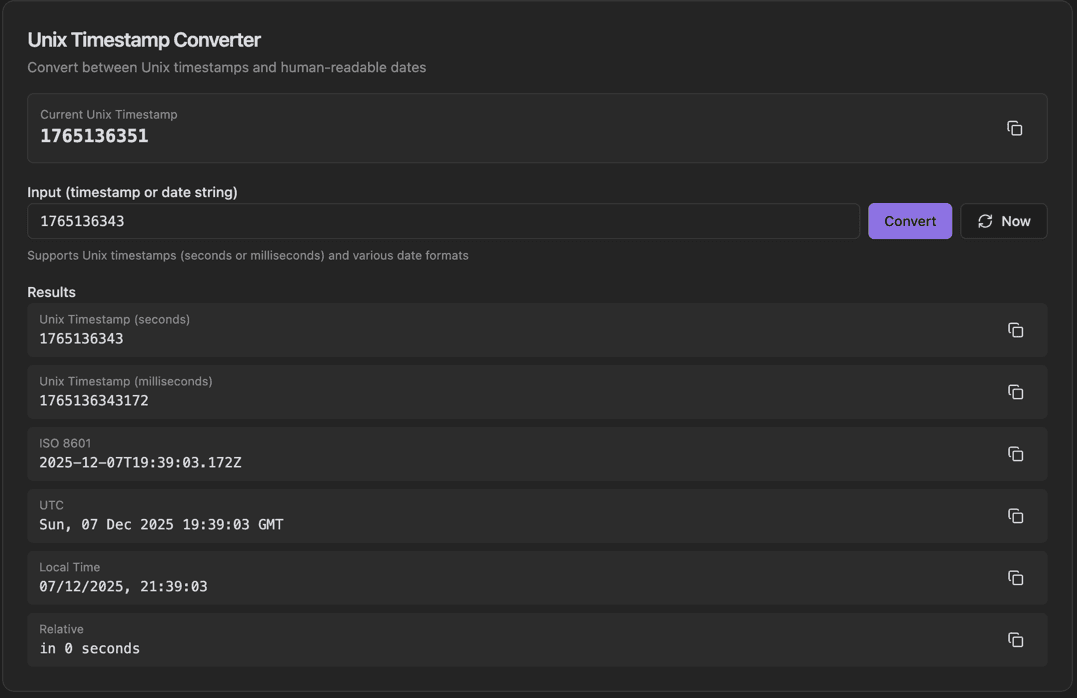
Unix Timestamp Converter
Convert between Unix timestamps and human-readable dates.
- Current Unix Timestamp display with Copy
- Input field for timestamp or date string
- Convert button
- Now button for current time
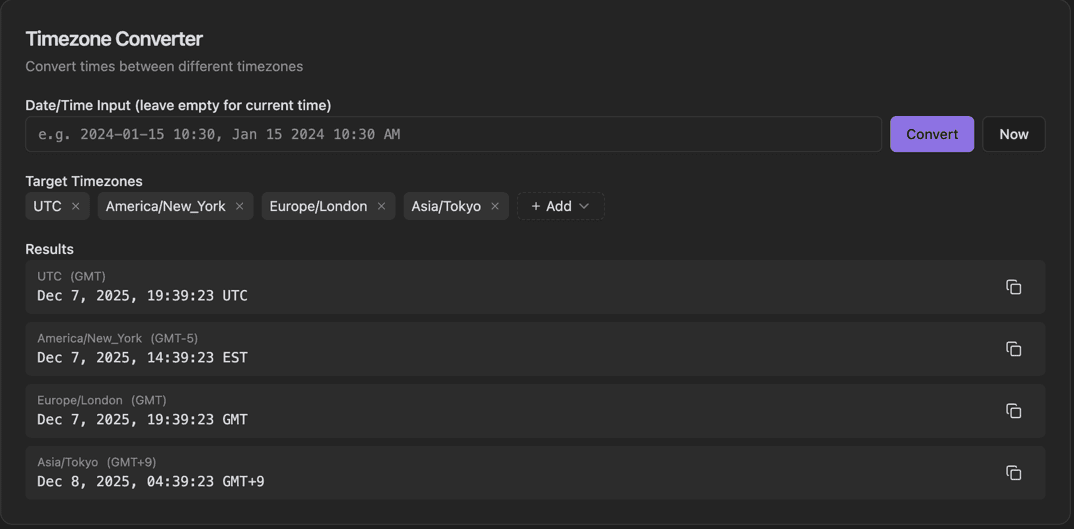
Timezone Converter
Convert times between different timezones.
- Date/Time Input field
- Convert button
- Now button for current time
- Target Timezones chips with remove (×)
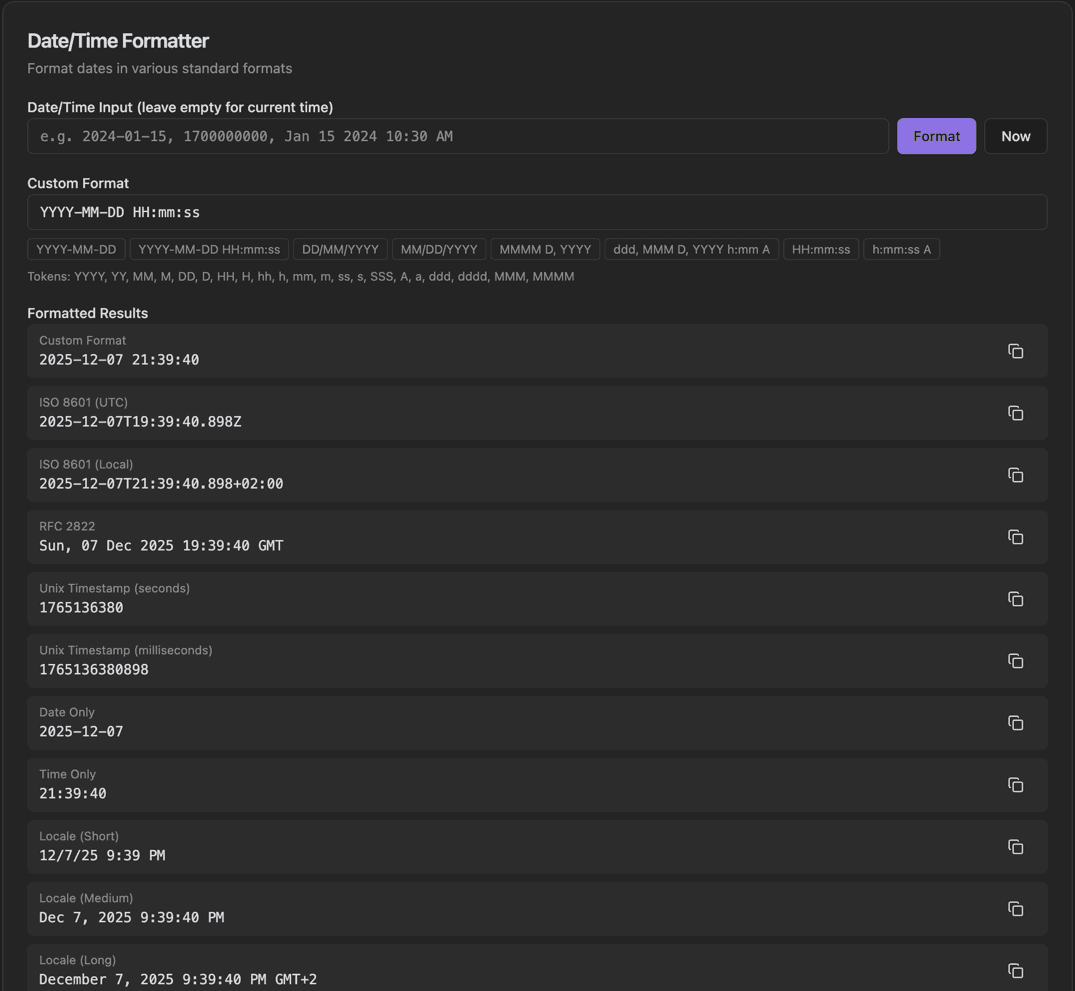
Date/Time Formatter
Format dates in various standard formats.
- Date/Time Input field
- Format button
- Now button for current time
- Custom Format input with preset chips
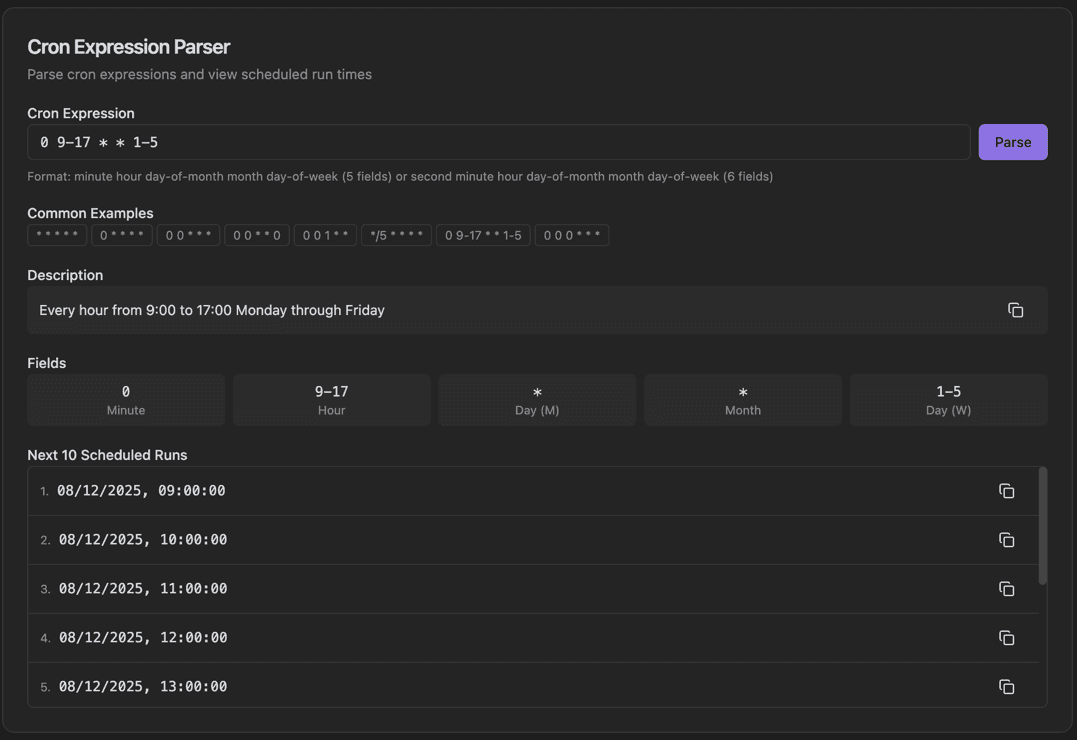
Cron Expression Parser
Parse cron expressions and view scheduled run times.
- Cron Expression input field
- Parse button
- Format hint for 5 or 6 field cron
- Common Examples chips
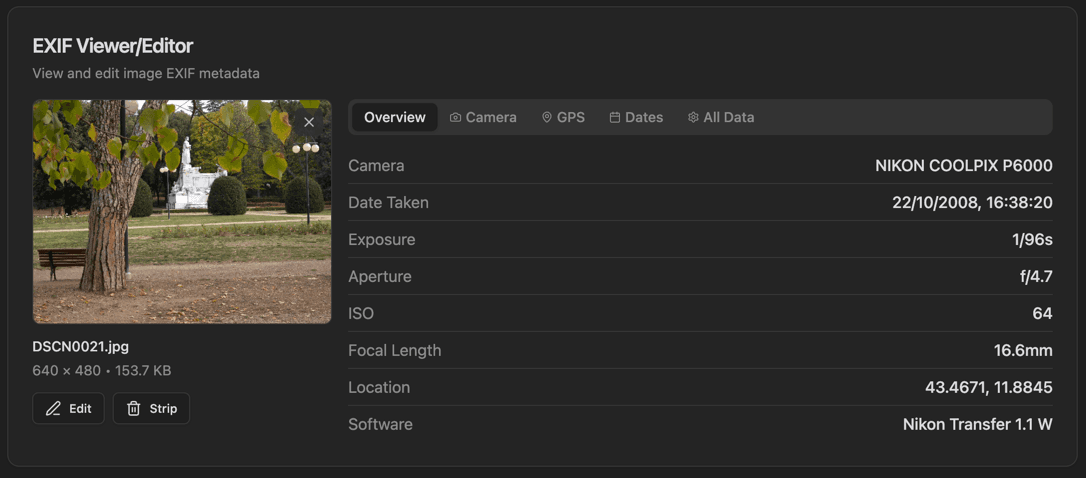
EXIF Viewer/Editor
View and edit image EXIF metadata.
- Image thumbnail preview
- Filename, dimensions, and size display
- Edit and Strip buttons
- Tabs: Overview, Camera, GPS, Dates, All Data
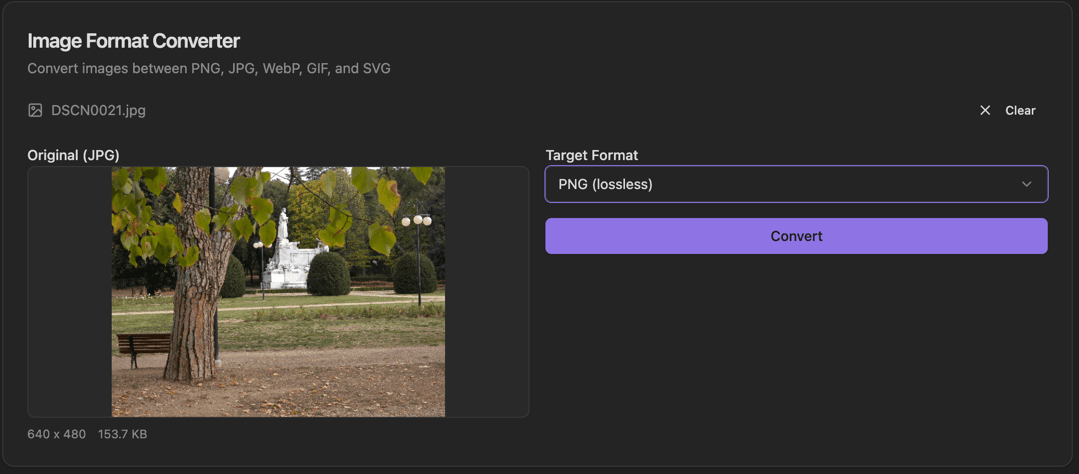
Image Format Converter
Convert images between PNG, JPG, WebP, GIF, and SVG.
- Filename display with Clear button
- Original image preview
- Format label (JPG, PNG, etc.)
- Dimensions and file size display
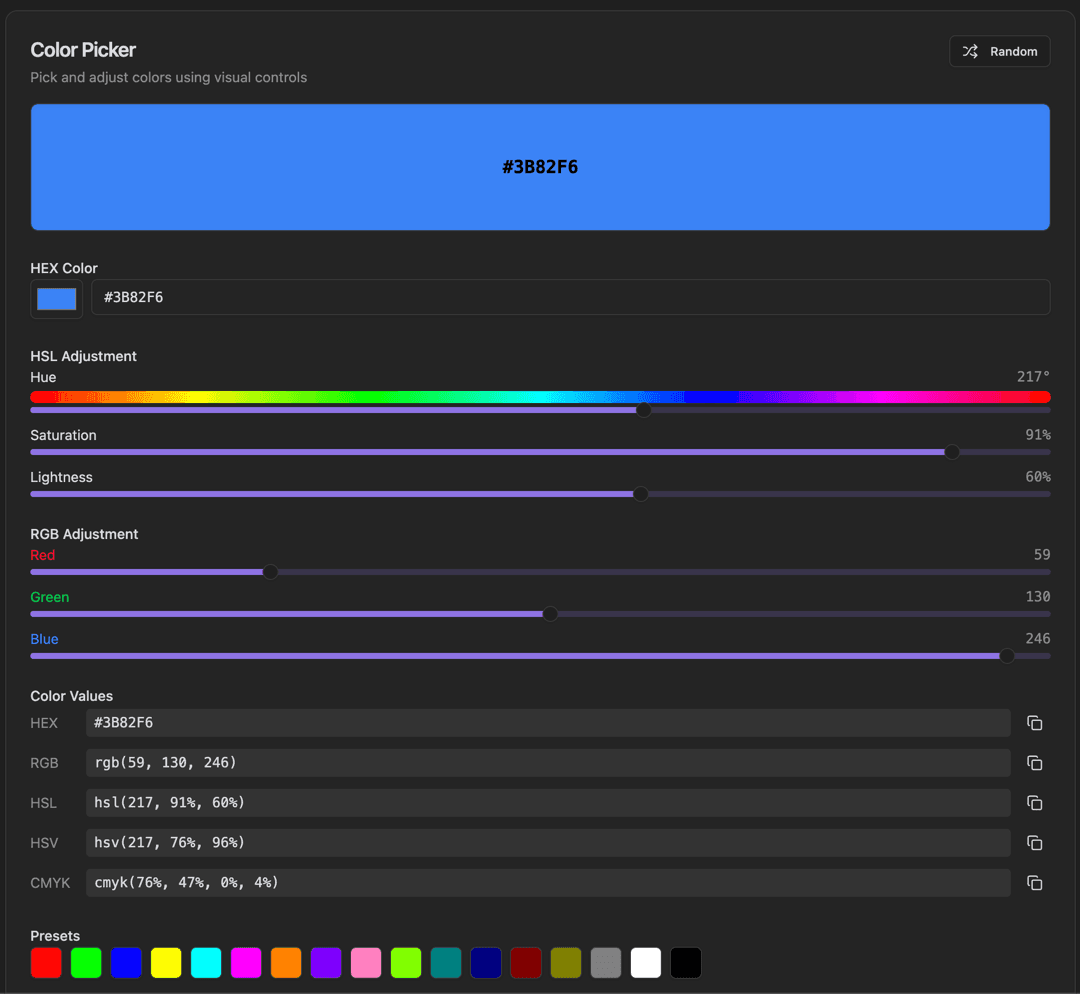
Color Picker
Pick and adjust colors using visual controls.
- Random button for random colors
- Large color preview with HEX code
- HEX Color input with color swatch
- HSL Adjustment sliders (Hue, Saturation, Lightness)
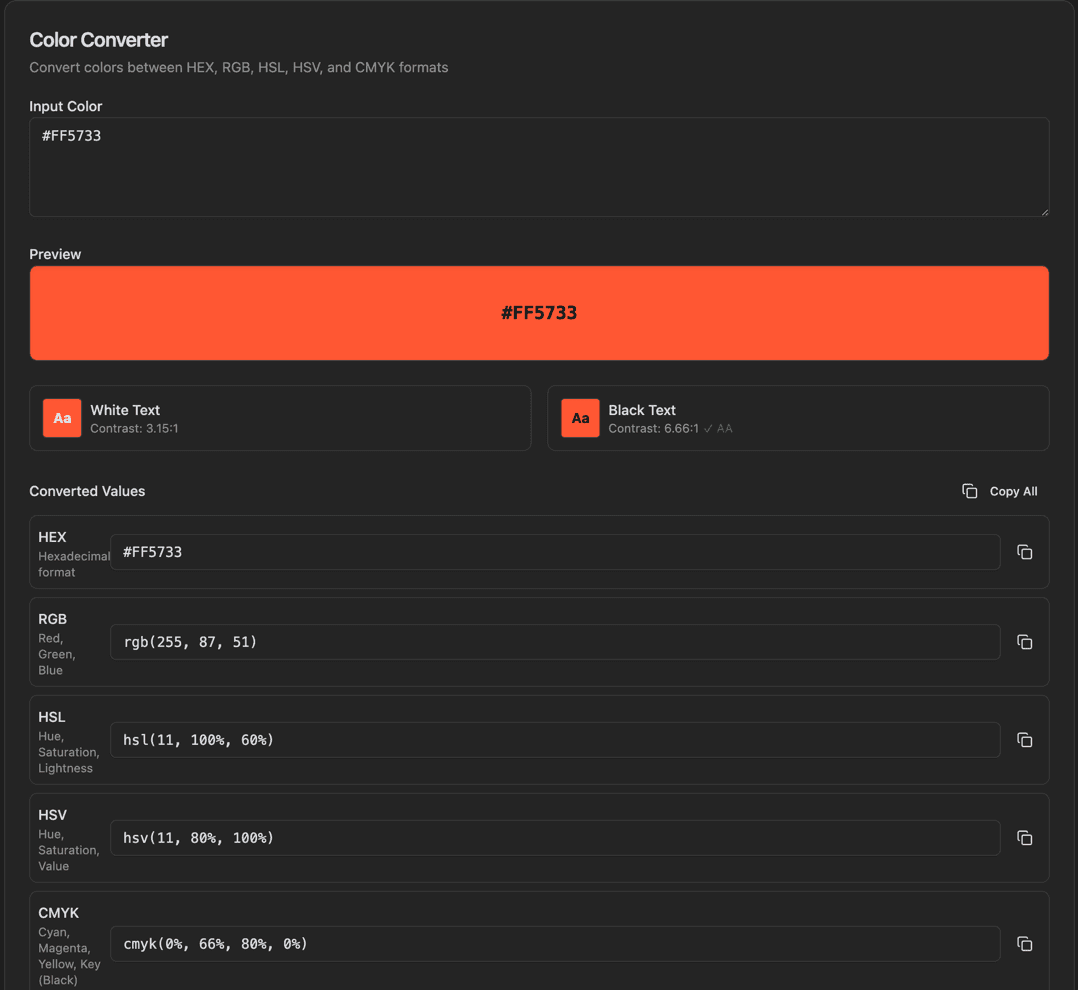
Color Converter
Convert colors between HEX, RGB, HSL, HSV, and CMYK formats.
- Input Color text field
- Preview with HEX code display
- Contrast preview (White Text / Black Text with ratios)
- WCAG AA compliance indicator
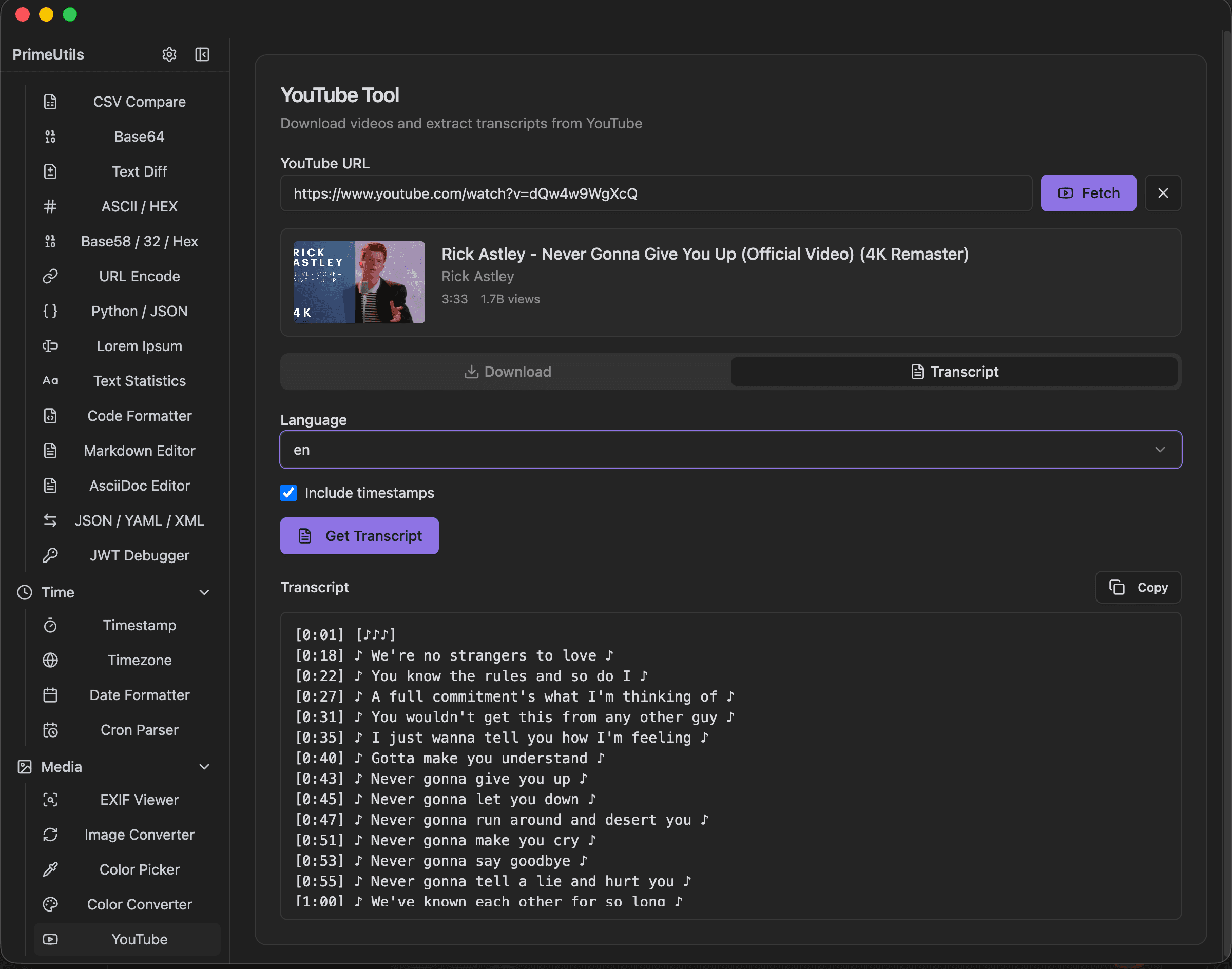
YouTube Tool
Download videos and extract transcripts from YouTube.
- YouTube URL input with Fetch/Clear buttons
- Video info display (thumbnail, title, channel, duration, views)
- Download/Transcript tabs
- Language dropdown for transcripts
Ready to Try These Tools?
Download PrimeUtils and get access to all these tools instantly.